Integrations
Pre-made integrations for monitoring and on-call alerting, plus custom integrations with our API and webhooks.
Alert Delivery Channels
-
HeyOnCall Android / iOS Mobile App
- Strongly recommended for reliable and impossible-to-ignore Critical Alerts.
- Slack
- Telegram
-
Webhooks
- Enables fully custom on-call alert delivery.
- Multiple of the above alert channels with configurable delay

Monitoring / Incident Sources
-
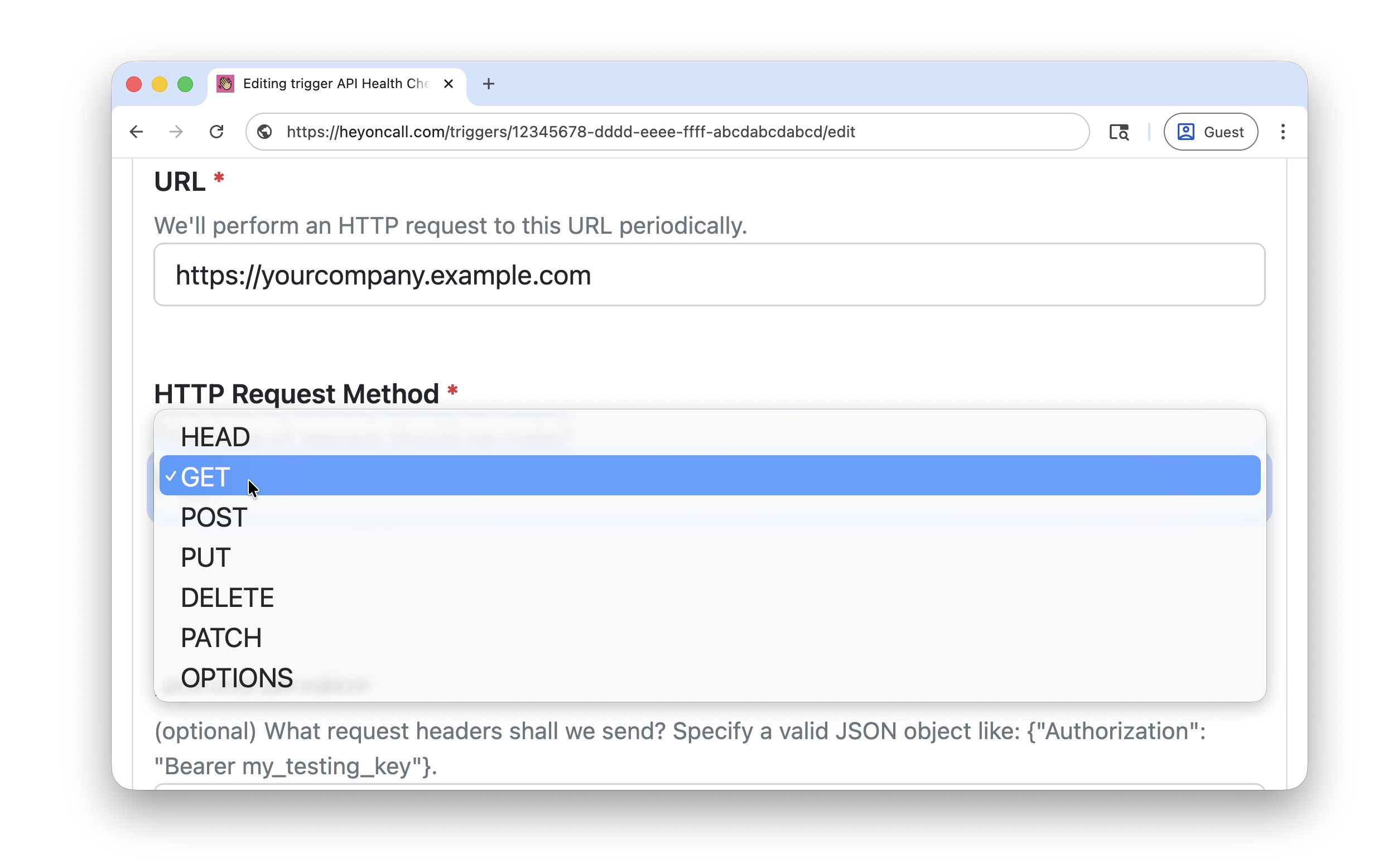
HeyOnCall Outbound Probe Triggers (HTTP monitoring)
- Website Monitoring
- SSL Monitoring
- API Monitoring
- Recommended for monitoring your HTTP-exposed services, including both lightweight and comprehensive health check endpoints.
-

HeyOnCall Inbound Liveness Triggers (check-ins from your code)
- Cron Job Monitoring
- Heartbeat Monitoring
- Recommended for monitoring your scheduled jobs, including custom heartbeats and internal system checks.
-
HeyOnCall Manual Triggers (API-driven)
- Allows you to fire alerts from your code through our API.
-
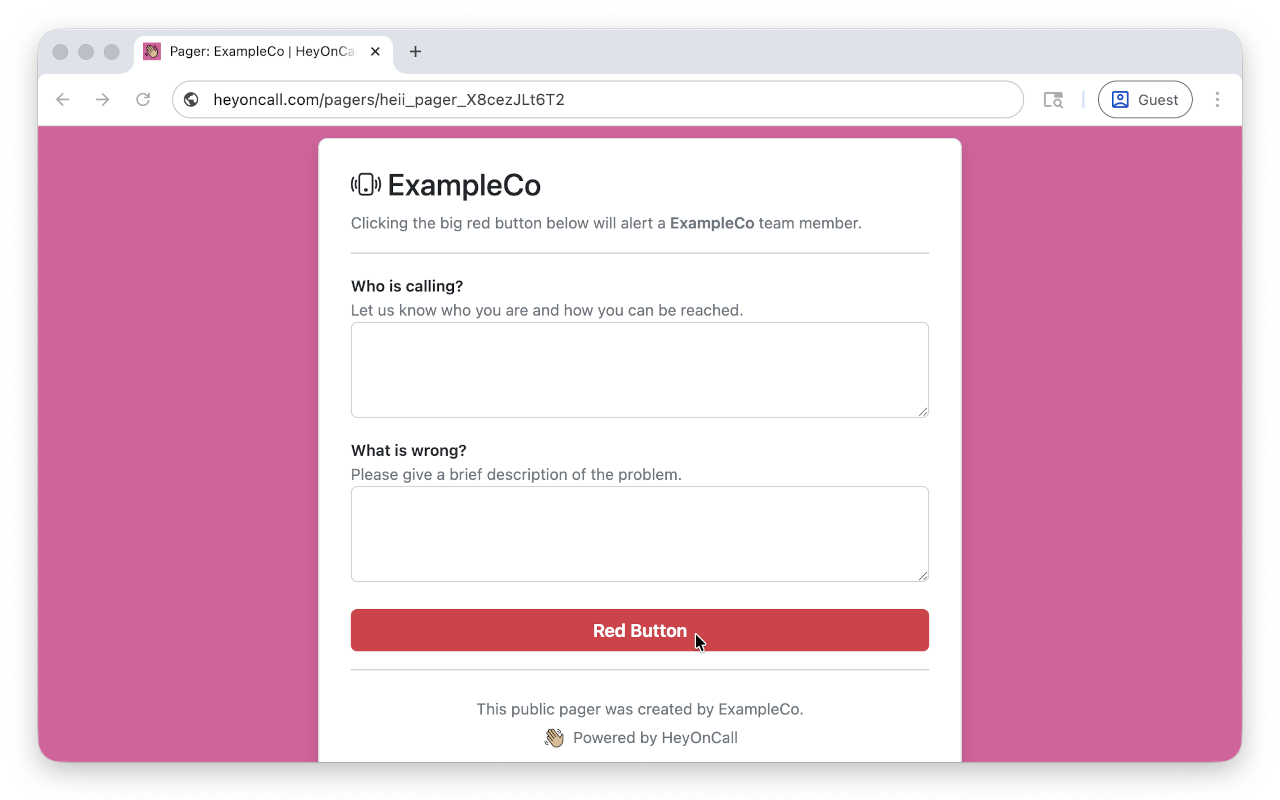
HeyOnCall Public Pagers
- Allows non-technical teammates or high-value external customers to alert your team.
-
HeyOnCall MCP Server
- Allows LLMs (e.g. Cursor, Claude Code) to send alert.
- Prometheus Alertmanager
- Datadog
- Uptime Kuma
-
Webhooks
- Supports any other third-party monitoring tools that can send webhooks.
- Email us if you need help integrating yours.
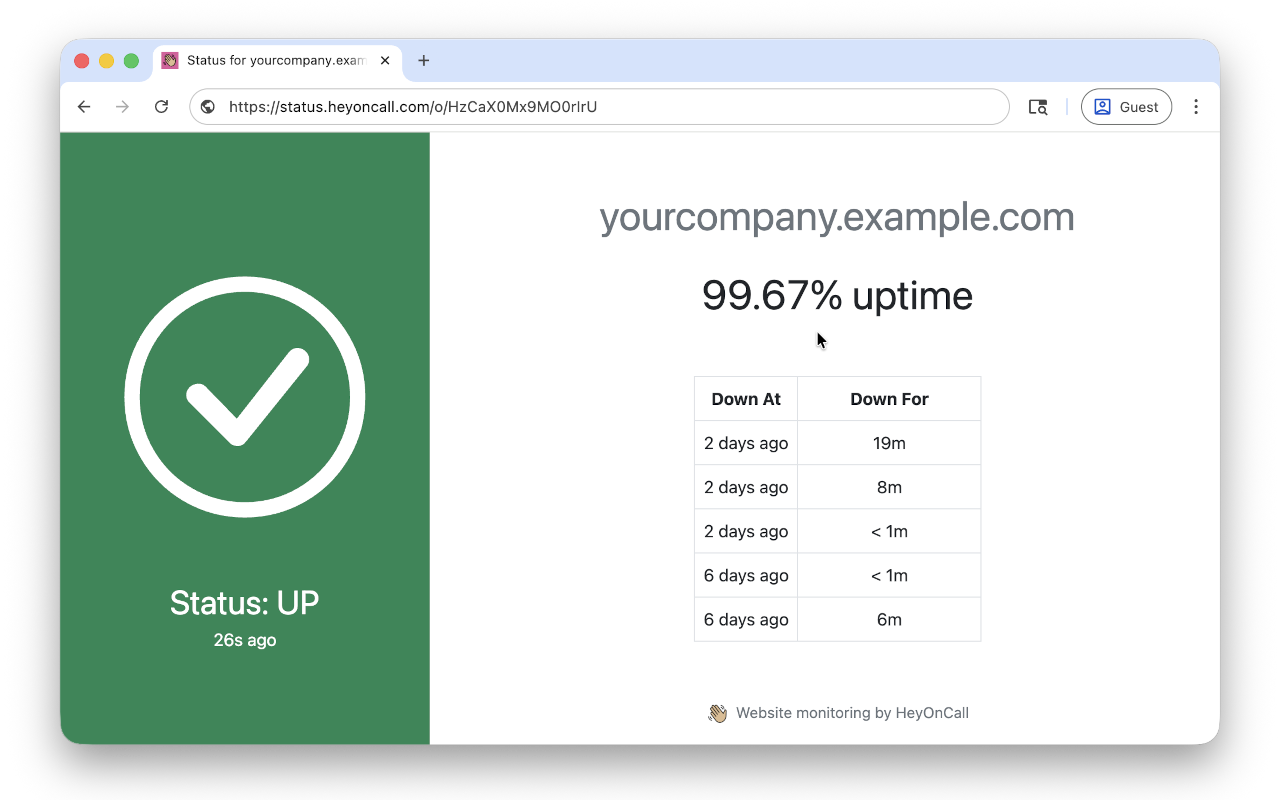
Status Pages
Calendar / Shift Change Notifications
- iCalendar feed (Google Calendar / Outlook)
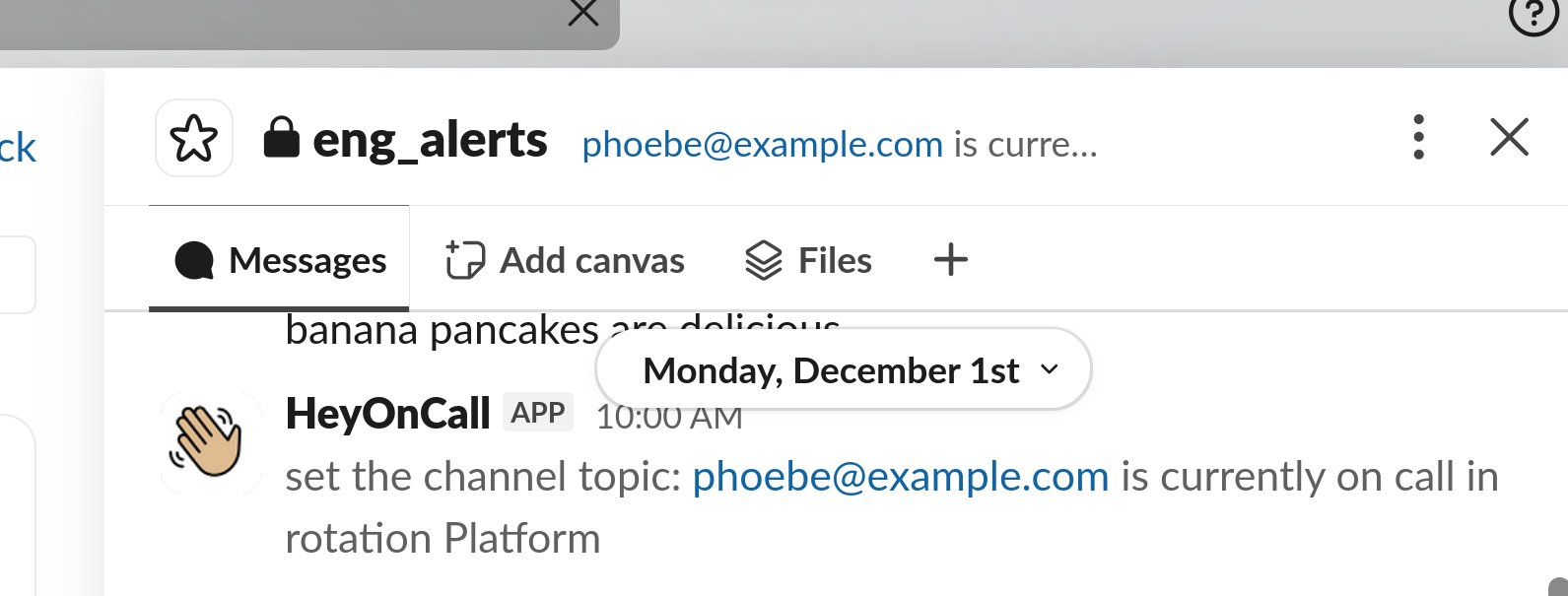
- Slack (change channel topic or post a message)
Integrations FAQ
What is the simplest way to implement custom application-level health check assertions?
Most applications have custom logic that needs to be monitored.
The simplest way is to create a scheduled job within your infrastructure that implements your assertions, and have that job check-in with a HeyOnCall Inbound Liveness trigger on success. Your job simply needs to send a HTTP POST request to our API to check in.
Can I implement custom application-level health check assertions if I don’t have a scheduled job system?
Yes. Create a special health check endpoint that asserts your custom logic, and have that endpoint return a
200 OK
on success, and a non-OK status code on failure. Then, create an HeyOnCall Outbound Probe to monitor this endpoint.
Can any third-party monitoring tool / APM be used to monitor my application?
Yes, so long as it can send webhooks. Webhooks are just a fancy name for HTTP POST requests.
Can I add my own alert delivery channels?
Yes, you can configure webhooks to have HeyOnCall send your server a POST request when we’re delivering an alert.
However, if you care about reliability, we strongly recommend using our mobile app as the primary alert delivery channel. Adding an external webhook is far more fragile: for one thing, it’s possible that the webhook will fail during the same conditions as your incidents, such as a PaaS provider outage.
What makes HeyOnCall better than alternatives?
Alternative solutions often require you to stitch together separate monitoring and on-call alerting tools using brittle webhooks between them. For example: would you really trust your self-hosted monitoring server to be able to send a POST request to your third-party alerting service exactly when you’re in the middle of a flaky network outage? :facepalm: Not exactly a recipe for reliability.
HeyOnCall integrates website monitoring, heartbeat monitoring, on‑call schedules, and alert delivery in one product, which removes fragile links and makes the overall system more reliable.
Critical alerts. On-call schedules. Escalations. Monitoring for websites, APIs, cron jobs, and SSL certificates. All built-in and battle-tested. Designed for developers, by developers. Simple, flat pricing. Free tier forever.
How fast can I get started?
Sign up (free tier forever), add a URL, and start receiving checks in about a minute.